Guides & Tutorials
Helpful guides for setting up, configuring, and getting the most from your game servers.

How to Op Players and Set Up a Whitelist on Your Minecraft Server
Give your friends operator permissions and lock your Minecraft server to invited players only, straight from the PLAYERTICK control panel. No commands or file editing needed.

How to Set Up a Valheim Dedicated Server (Name, Password and Crossplay)
Set your Valheim server's name, password, world and crossplay options, then get your Viking crew connected. A step-by-step guide for new PLAYERTICK server owners.
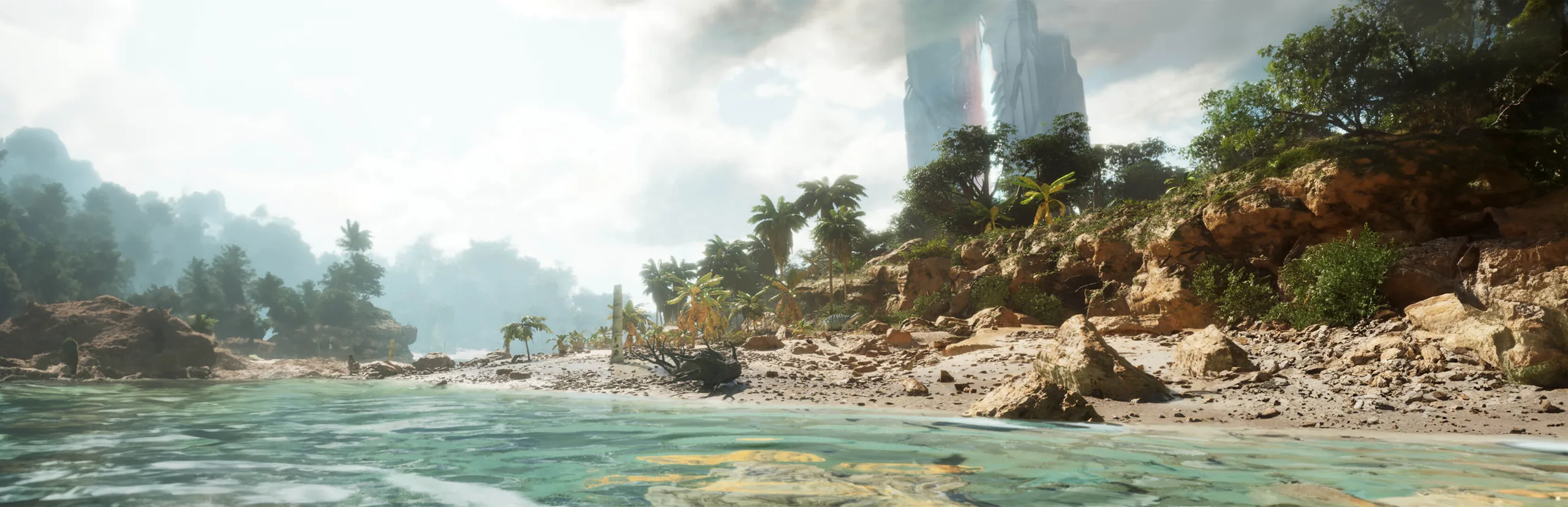
How to Install Mods on an ARK: Survival Ascended Server
Add CurseForge mods to your ARK: Survival Ascended dedicated server using mod IDs. Find the right ID, add it in the PLAYERTICK panel, and your players download mods automatically when they join.
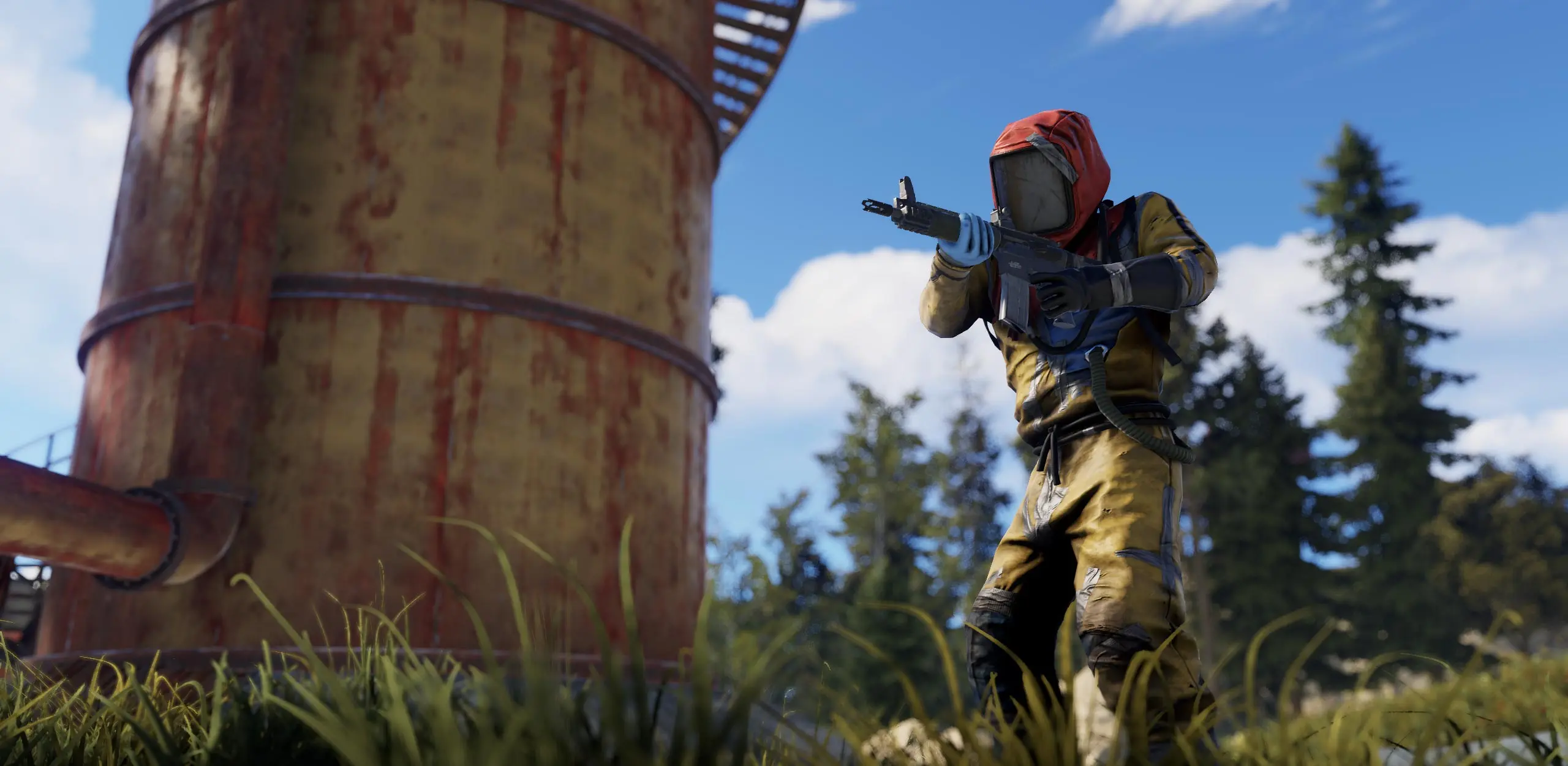
How to Set Up Automatic Wipes on Your Rust Server
Schedule weekly, bi-weekly, monthly or force wipes on your Rust server, choose whether to wipe blueprints, and set a new map seed, all from the PLAYERTICK Autowipe page.

How to Add Steam Workshop Mods and Admins to a Project Zomboid Server
Install Steam Workshop mods on your Project Zomboid dedicated server, set up your admin account, and give admin to your friends. A step-by-step guide for PLAYERTICK server owners.
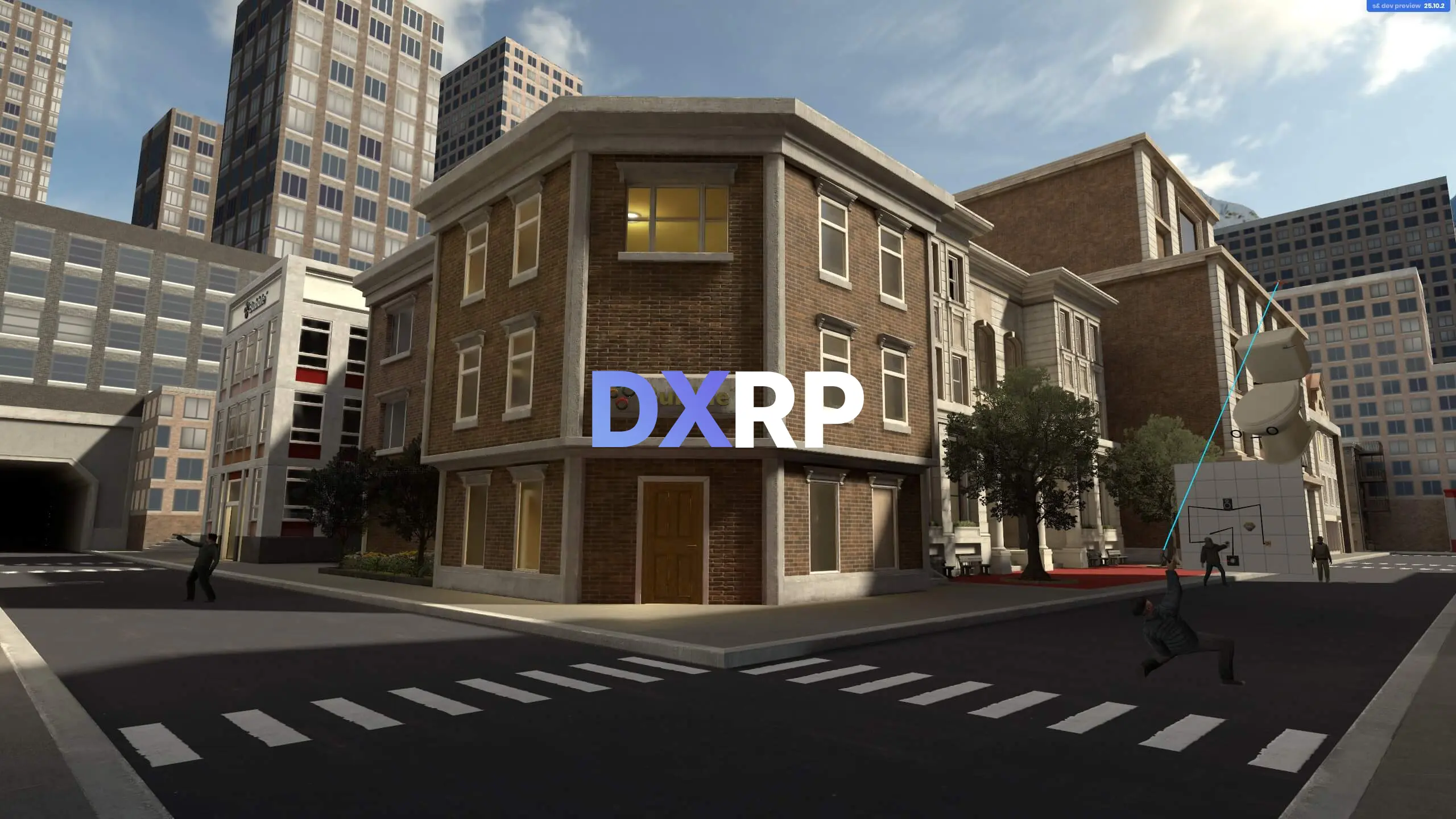
How to start a DXRP server on s&box
Learn how to create your first DXRP server on s&box.

s&box Server Setup for Creating Your First Server
Set up your first s&box dedicated server on PLAYERTICK: choose the game and map to host, name your server, set a player limit and get your friends connected. Step-by-step with screenshots.
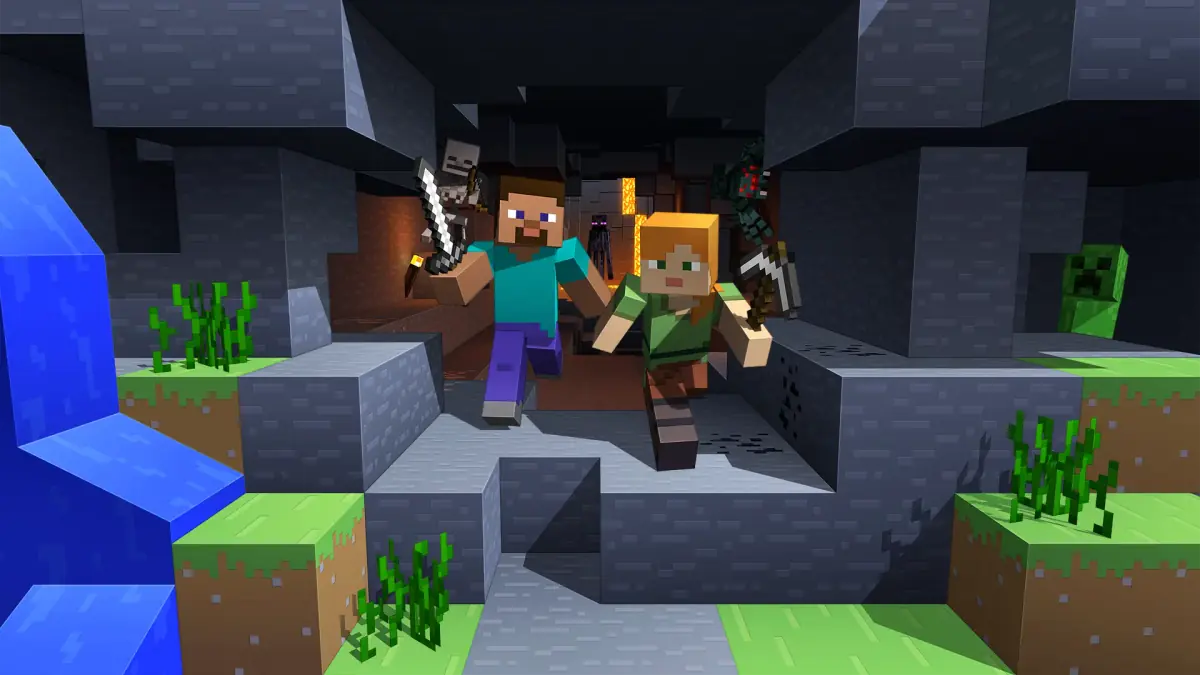
Minecraft Mods: How to Install Them on a Server
Install a whole Minecraft modpack in one click from CurseForge or Modrinth, or add your own Forge, NeoForge, Fabric or Quilt mods, on your PLAYERTICK server. Step-by-step with screenshots.
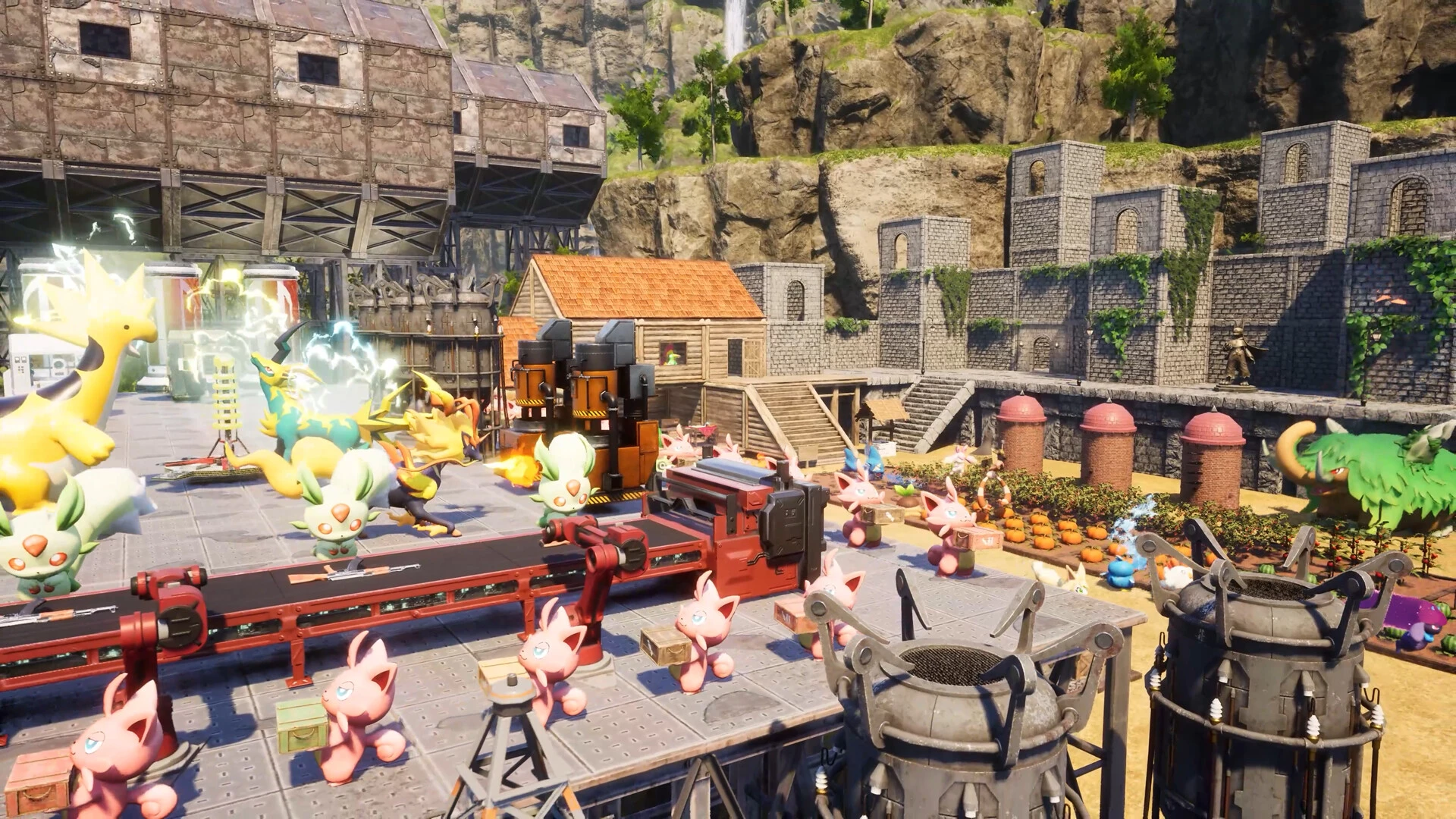
Palworld Server Mods: How to Install Them Safely
Install .pak mods on your Palworld dedicated server, change XP, capture and spawn rates in PalWorldSettings.ini, and set your server name and passwords, all from the PLAYERTICK panel.

Arma 3 workshop addons: install and load them correctly
Learn how to download Arma 3 Workshop mods with SteamCMD, upload them through the panel, copy signature keys, set -mod and -serverMod correctly, and troubleshoot common addon errors.

Beginner Windrose Server Admin Guide for New Owners
Everything a new Windrose server owner needs on day one: choosing a plan, setting a name and password, sharing your invite code, understanding your server files, and keeping your world backed up. With screenshots from the PLAYERTICK panel.
How to Optimize Your Minecraft Server for Maximum Performance
Cut lag on your Minecraft server: switch to Paper in one click, tune view and simulation distance, pre-generate your world with Chunky, find lag with spark and schedule daily restarts. Step-by-step in the PLAYERTICK panel.